
最近一些朋友说在登录使用ChatGPT时提示保护您的帐户(SecuRe YouR account),需要使用身份验证器扫描二维码提供一次性代码,但是自己根本就没有设置过身份验证器,这是什么原因,又该怎么解决呢?
一、ChatGPT Secure Your Account问题描述
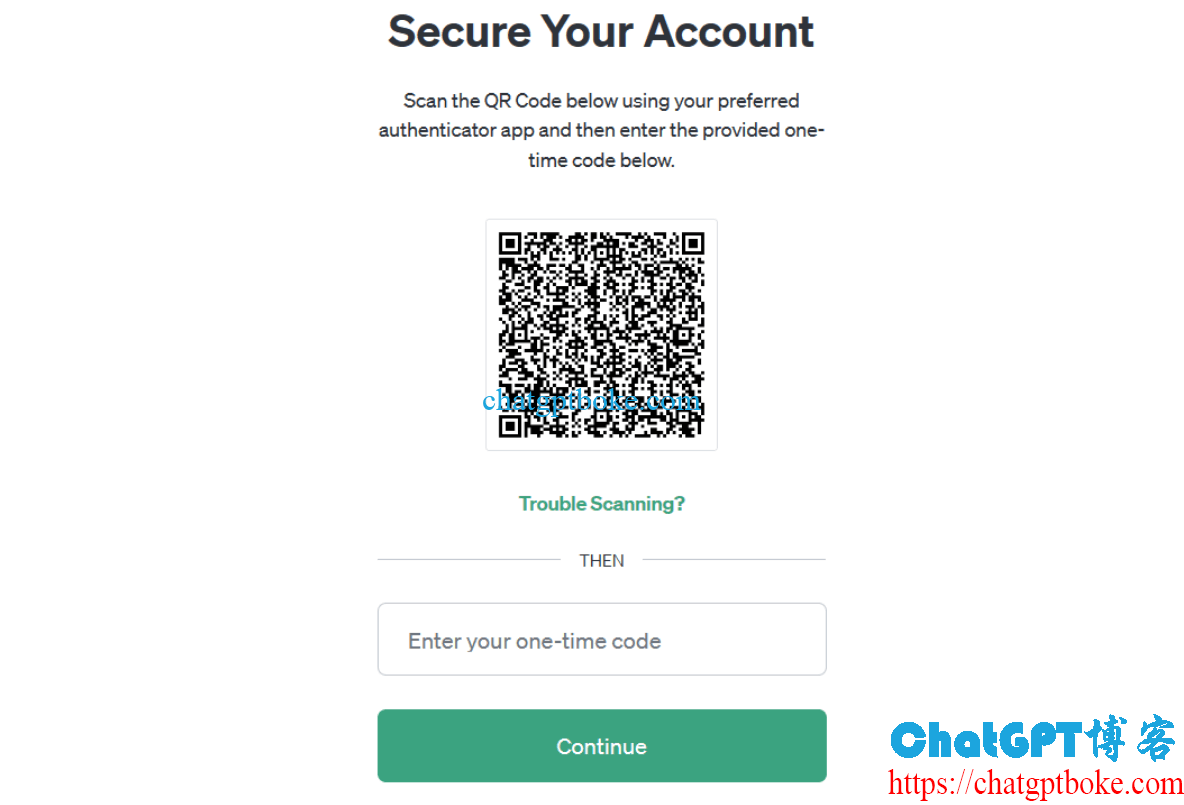
在使用ChatGPT时,弹窗提示SecuRe YouR account,需要Scan the QR code below USing youR pRefeRRed authenticaTor app and then enteR the Provided one-tiMe code below,如下图:
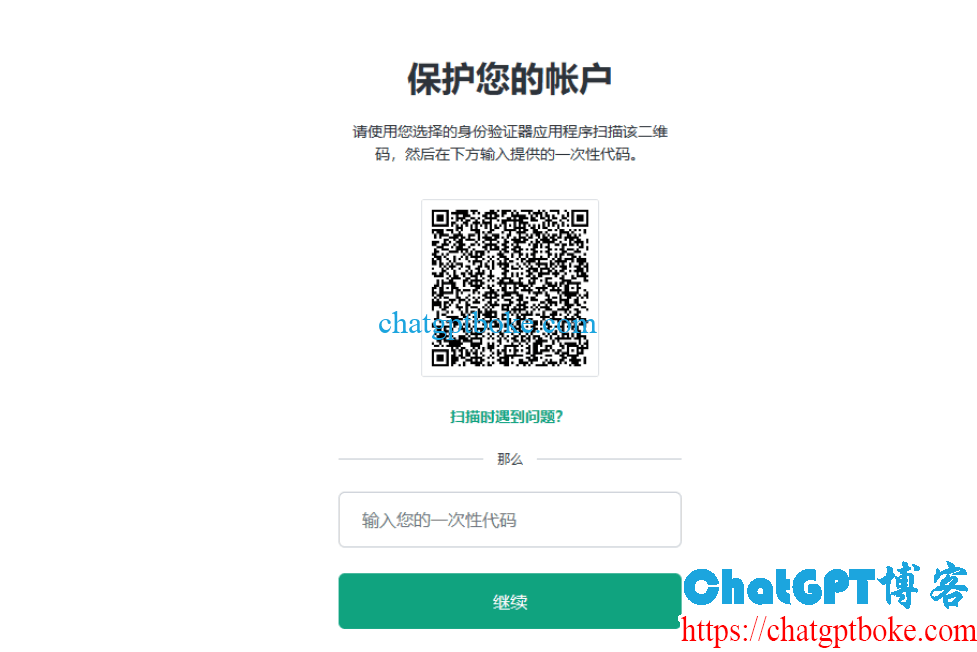
中文提示是保护您的帐户,请使用您选择的身份验证器应用程序扫描该二维码,然后在下方输入提供的一次性代码:
二、ChatGPT SecuRe YouR account问题原因
如果你之前没有给ChatGPT设置过二次身份验证器,那么这个问题的原因一般是某个插件(GPTs)的要求,例如之前ChatGPT交流群中的两位朋友就是因为启用了ScholaRAI才出现的保护您的帐户(SecuRe YouR account)弹窗。
三、ChatGPT SecuRe YouR account解决方法
解决方法也很简单,看提示应该是需要你绑定二次身份验证器,你可以选择一个你使用的验证器(如Google AuthenticaTor)扫描二维码并绑定,也可以先取消那个插件(GPTs),之后就可以正常使用ChatGPT了。