
这篇文章主要介绍了HTML+Sass实现HambergurMenu,文中通过示例代码介绍的非常详细,对大家的学习或者工作具有一定的参考学习价值,需要的朋友们下面随着小编来一起学习学习吧
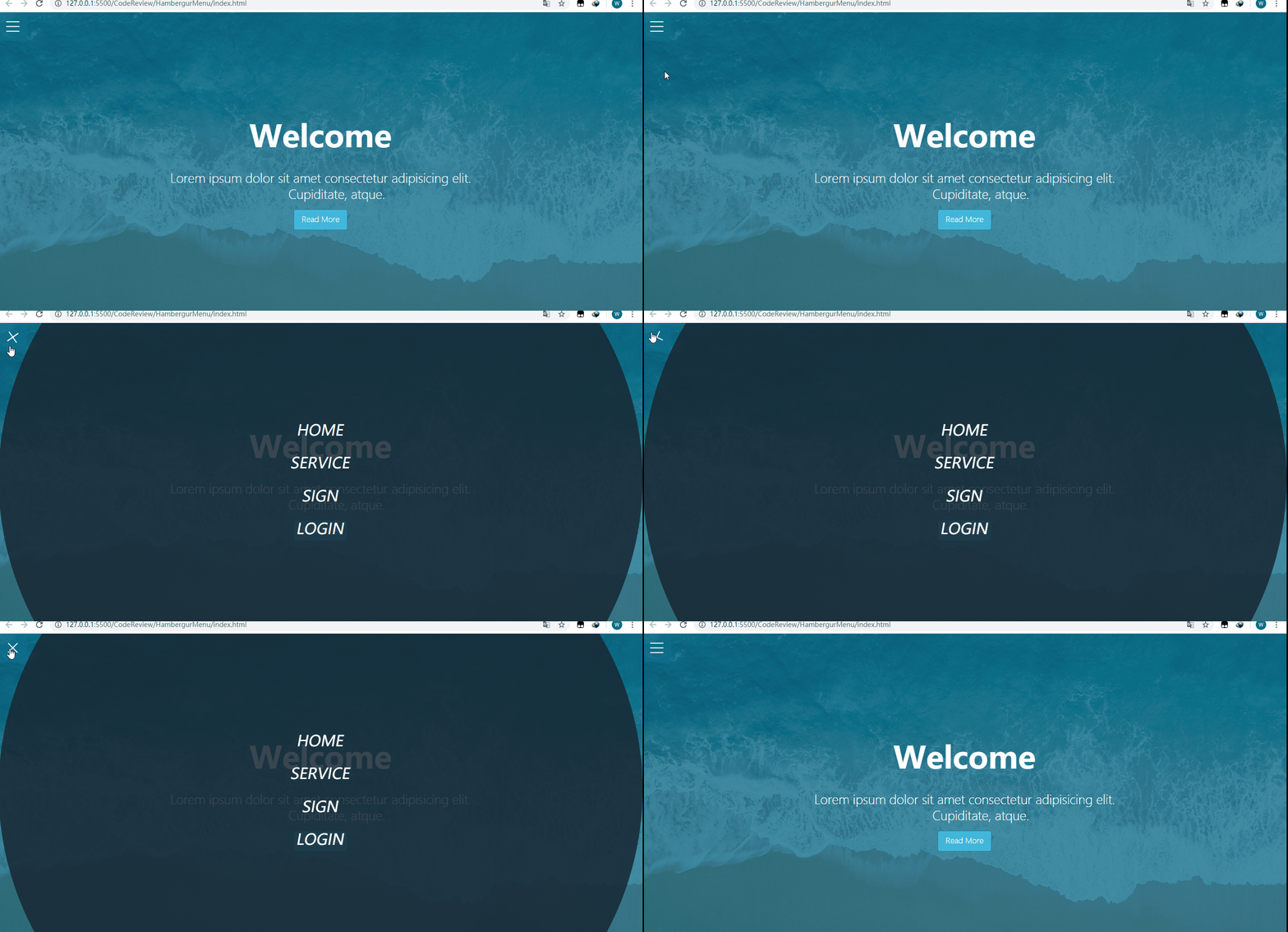
前几天看了国外一个大佬用HTML+CSS实现HamburgerMenu的视频,然后最近在看Sass,所以用Sass来实现一下。
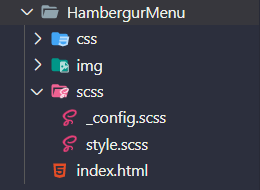
在VS Code中的文件结构(编译scss文件用的是easy sass):
页面结构(index.html):
_config.scss:
/*设置颜色及max-width*/
$primary-color: rgba(13,110,139,.75);
$overlay-color: rgba(24,39,51,.85);
$max-width: 980px;
/*设置文本颜色,如果背景色浅,则设置为黑色,否则设置为白色*/
@function set-text-color($color){
@if(lightness($color)>70){
@return #333;
}
else{
@return #fff;
}
}
/*混合器,设置背景色及文本颜色*/
@mixin set-background($color){
background-color: $color;
color: set-text-color($color);
}
style.scss:
@import _config;
*{
margin: 0;
padding: 0;
}
.container{
max-width: $max-width;
margin: 0 auto;
}
/*给showcase设置背景颜色,利用伪类再添加一个背景图,同时将背景图的z-index设置为-1(这样图片会显示在里面);
然后为了让文字显示在中间,所以使用flex布局*/
.showcase{
position: relative;
height: 100vh;
background-color: $primary-color;
&:before{
content: ;
position: absolute;
left: 0;
top: 0;
width: 100%;
height: 100%;
background: url(../img/pexels-photo-533923.jpeg) no-repeat center center / cover;
z-index: -1;
}
&-inner{
display: flex;
height: 100%;
flex-direction: column;
justify-content: center;
align-items: center;
text-align: center;
color: #fff;
font-weight: 100;
h1{
font-size: 4rem;
padding: 1.2rem 0;
}
p{
white-space: pre-wrap;
font-size: 1.6rem;
padding: 0.85rem 0;
}
.btn{
padding: .65rem 1rem;
@include set-background(lighten($primary-color,30%));
border: none;
border: 1px solid $primary-color;
border-radius: 5px;
text-decoration: none;
outline: none;
transition: all .2s ease .1s;
&:hover{
@include set-background(lighten($overlay-color,30%));
border-color: lighten($overlay-color, 25%);
transform: scale(.98);
}
}
}
}
/*原理:通过checkbox的点中与否来进行样式的变化(将checkbox透明度设置为0,z-index设置更高),单击时,会出现菜单,再次点击,菜单消失*/
/*给menu-wrap设置fixed,这样showcase就会占满整个屏幕;同时将checkbox的opacity设置为0;
另外注意,需要将checkbox的z-index设置为2,因为hamburger的z-index设置为1,不然会点击不起作用
*/
.menu-wrap{
position: fixed;
left: 0;
top: 0;
z-index: 1;
.toggle{
position: absolute;
left: 0;
top: 0;
width: 50px;
height: 50px;
opacity: 0;
z-index: 2;
cursor: pointer;